Self Shadowing
Self Shadowing is a feature that allows to cast shadows of a mesh on its own surface. It'll cast self shadows when there's an dynamic light nearby. We use PCF filtering provided by the engine for this. Which is good for performance and quality at the same time. We do plan to implement PCSS soon.
We only support very limited amount of controls for now.
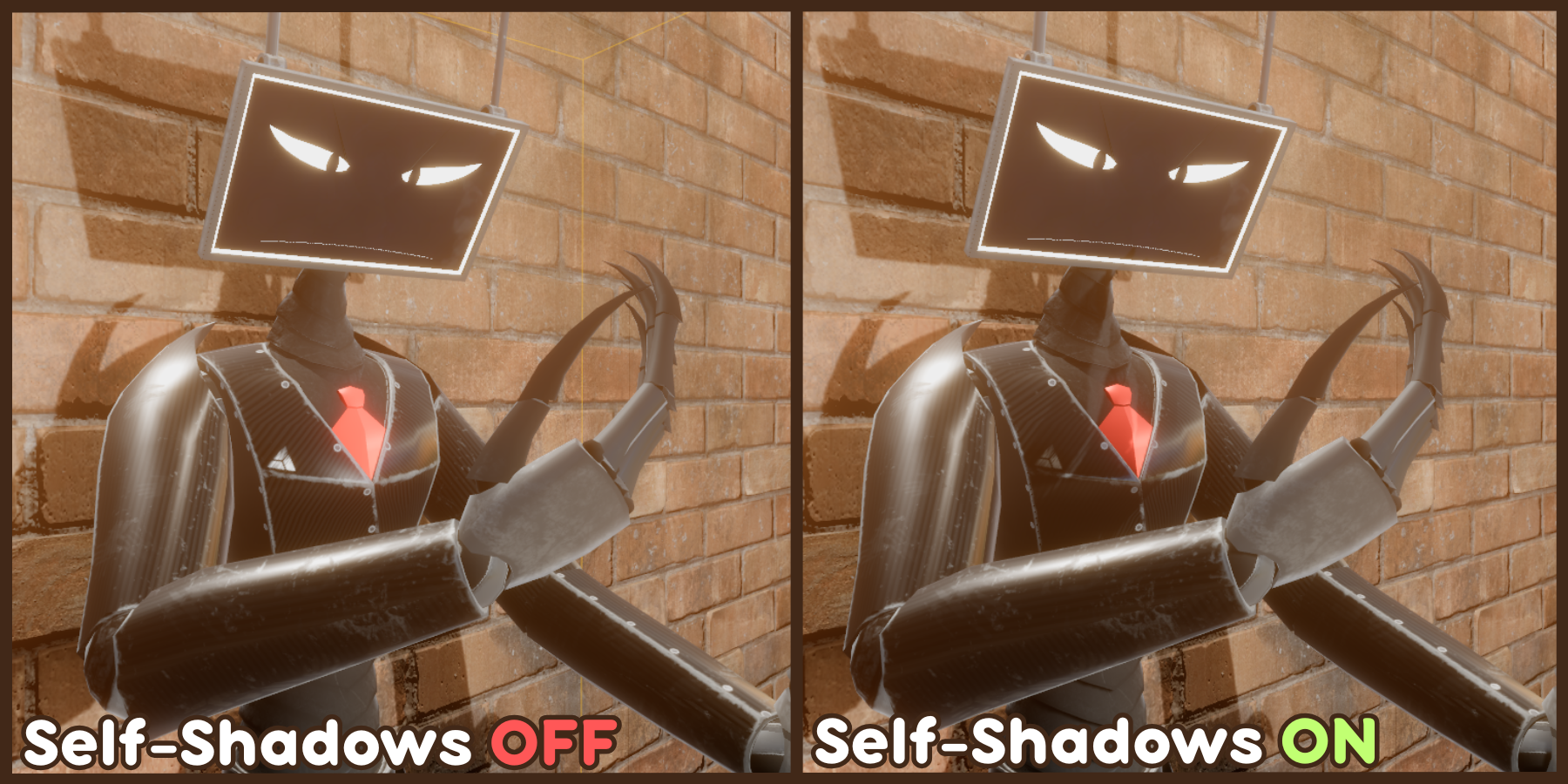
In Realistic Mode, Self shadowing is On by default. You can turn it of in Realistic Shading category. And, You can't use a separate Self Shadow Map like other modes.
Also, Self Shadowing is disabled in Transparent mode. As that mode don't cast shadows.
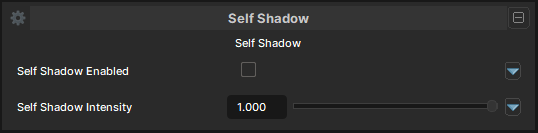
Self Shadows
Self Shadow Enabled
- UI Type : Toggle
Enables Self Shadowing feature. Disabled by default in every shading modes except Realistic to avoid conflicting with the main shading.
Self Shadow Intensity
- UI Type : Slider
Float- Range :
0.0 - 1.0
- Range :
Controls the intensity of Self Shadowing.