Introduction
Hi. Welcome to the BoBiCo Shader documentation. This documentation will provide you how our shader's features works in detailed information and how to use them properly without getting confused.
You can click each section of the feature from the sidebar from left to access documentation for each features to get you familiar with the features. We recommend you to read them and get familiar with our shader's features for best user experience with the shader!
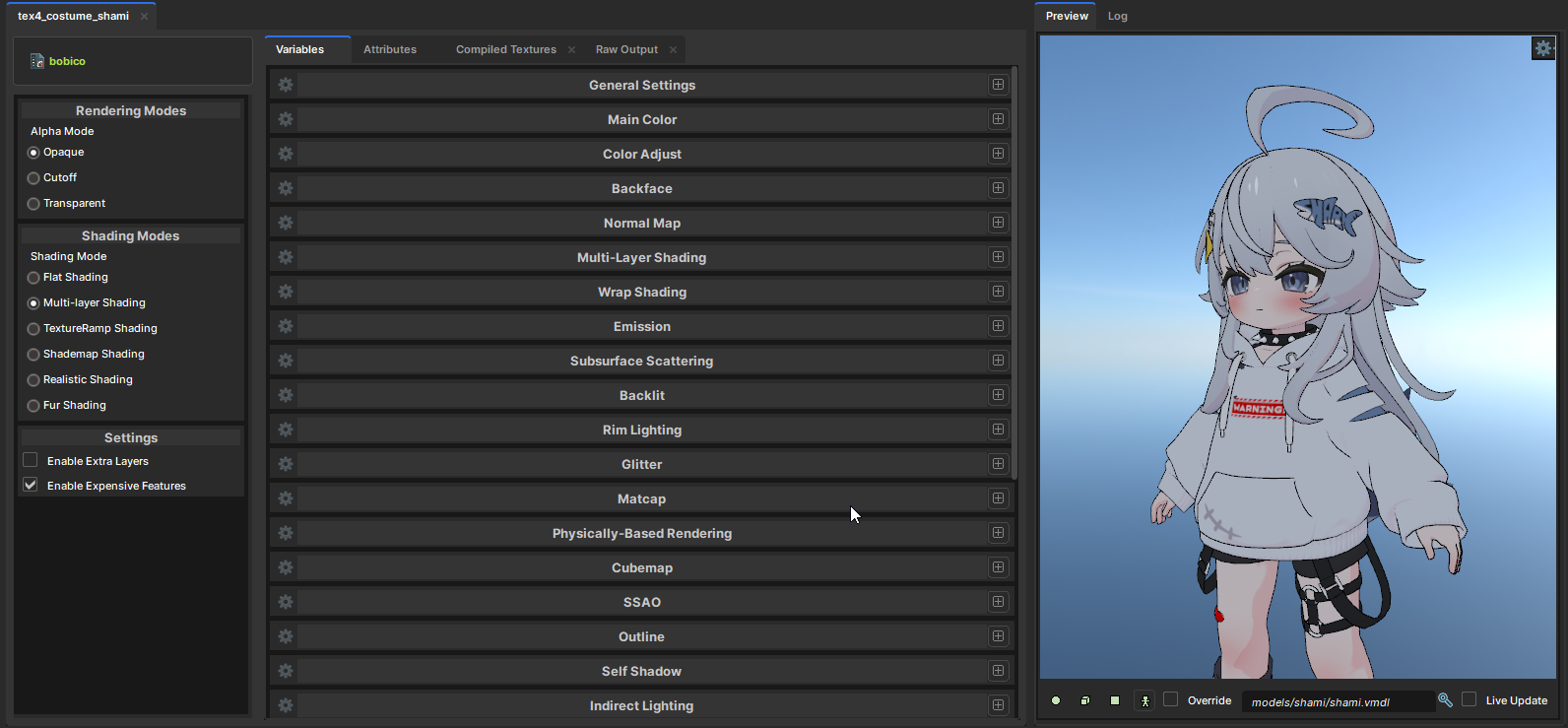
BoBiCo Shader is a feature-rich shader for S&box game engine, inspired by LilToon and Poiyomi. Also, supports full lighting support for maximum quality with the lighting. And, many shading styles with many easy-to-use features to use while being performant as possible.
Our shader have many features you can access to and use. Some features only shows up in specific Rendering Mode or Shading Mode. So, make sure to try them out as well! For downloading and installing the shader. Navigate to Download section.
Feature-Introduction
Our shader is feature-rich for everyone. We made sure to support shading modes most users and artists will mainly use. Instead of randomly visiting pages. You should visit these pages for quick introduction with our shader's featur after setting up the shader correctly.
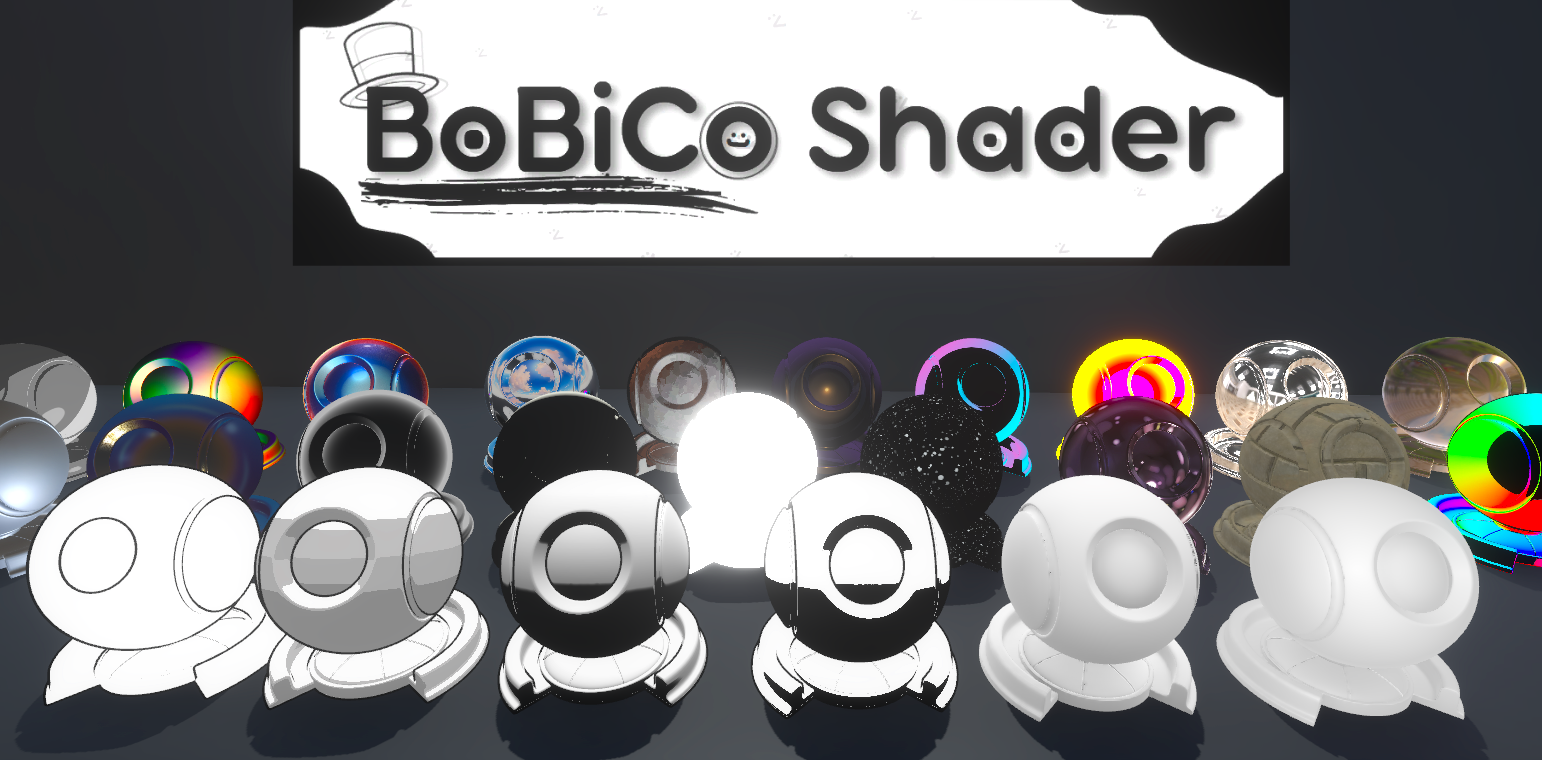
Basic features
In these pages, You'll see what main features we have for selecting a rendering mode and setting up your main texture with alpha and color adjustments if needed.
- Rendering Modes : Set a rendering mode! such as Translucent for alpha.
- Main Color : Use your main texture in the shader.
- Color Adjust : Customize your main texture with unique color or gradients.
- Alpha Masking : Use alpha from main texture or mask it for alpha effects!
- Normal Map : Add bump details with normal maps. Double-slot for blending!
Shading features
In these pages, You'll see what shading modes and features we have for adding a shading to your character for making it more alive. There are many stylized features you can use along with every shading modes!
- Shading Modes : Flat, Multi-layer, TextureRamp, Shademap, Realistic and Fur for every styles. Get artistic!
- Wrap Shading : Get semi-realistic or dark and gritty shading.
- Rim Lighting : Add rim lighting for more alive visual with your character.
- Backlit : LilToon style backlit for stylized back lighting to get stylized.
- Subsurface Scattering : Advanced stylized transmission lighting for premium enhancement.
- Matcaps : Instantly change the look of your material with one sphere ball.
- Outlines : Use Inverted-hull outlines for full blown outlines to get stylized even furthur!
Advanced features
In these pages, You'll see advanced features that we have for instant upgrade for your advanced usage. Keep in mind that some of them eats your performance like its breakfast if not used properly!
- PBR Rendering : Main bloodline of Realistic Rendering. Supports stylized specular and realistic specular!
- Parallax Occlusion : Advanced detailing feature for adding more realistic bump details.
- Screen-Space Ambient Occlusion : Instantly add depth-aware shadows to your character or anything that uses the shader! Powered by S&box's Ground Truth Ambient Occlusion (GTAO).
- Self-Shadowing : Upgrade the visual even more with your character. Realistic rendering has that by default..
- Indirect Lighting : Give your character attached to the scene's lighting by giving indirect bounced lighting!
System requirements
Our shader don't have a system requirement, But your system should meet the minimum requirements of S&box itself to run this shader. See Requirements for S&box.
We do want to notice that better system will receieve better performance with our shader when using performance-heavy features such as Parallax Occlusion and Screen Space Ambient Occlusion.
Compatibility
This shader is fully compatible with S&box's release and staging unless there's a breaking change in Staging branch. Please be aware that the shader is made and will be updating on Staging first instead of Release to receieve many improvements as possible! If there's a breaking change, Please do wait until Facepunch drop a weekly update. Except on Staging where patches and updates drops frequently for testing.
Distribution of works using BoBiCo
When using the shader in your works. We recommand you to include the website's link in the description of your work or include the shader files in your work files when sharing the work locally. For doing thumbnails. You can include the logo of our shader which you can download here to indicate that your work is using our shader. So, users knows if your work is using our shader or not without reading the description.
Known issues
Our shader has some issues right now with some engine-side problems which are the problems we can't fix for most. See Known Issues for more info.
If you find misinformation, typos and issues with the documentation. Please let us know in our Discord server! Ping 乃ㄖ乃爪卂匚 Ü without any hesitation. Thank you for using the shader and we hope you enjoy using it!