Matcaps
Matcap (Material Capture) maps a flat, spherical image onto a 3D object based on how its surfaces face the camera. Top surfaces pull pixels from the top-center of the sphere. Bottom-right surfaces pull pixels from the bottom-right of the sphere. Facing surfaces pull pixels from the absolute center of the sphere.
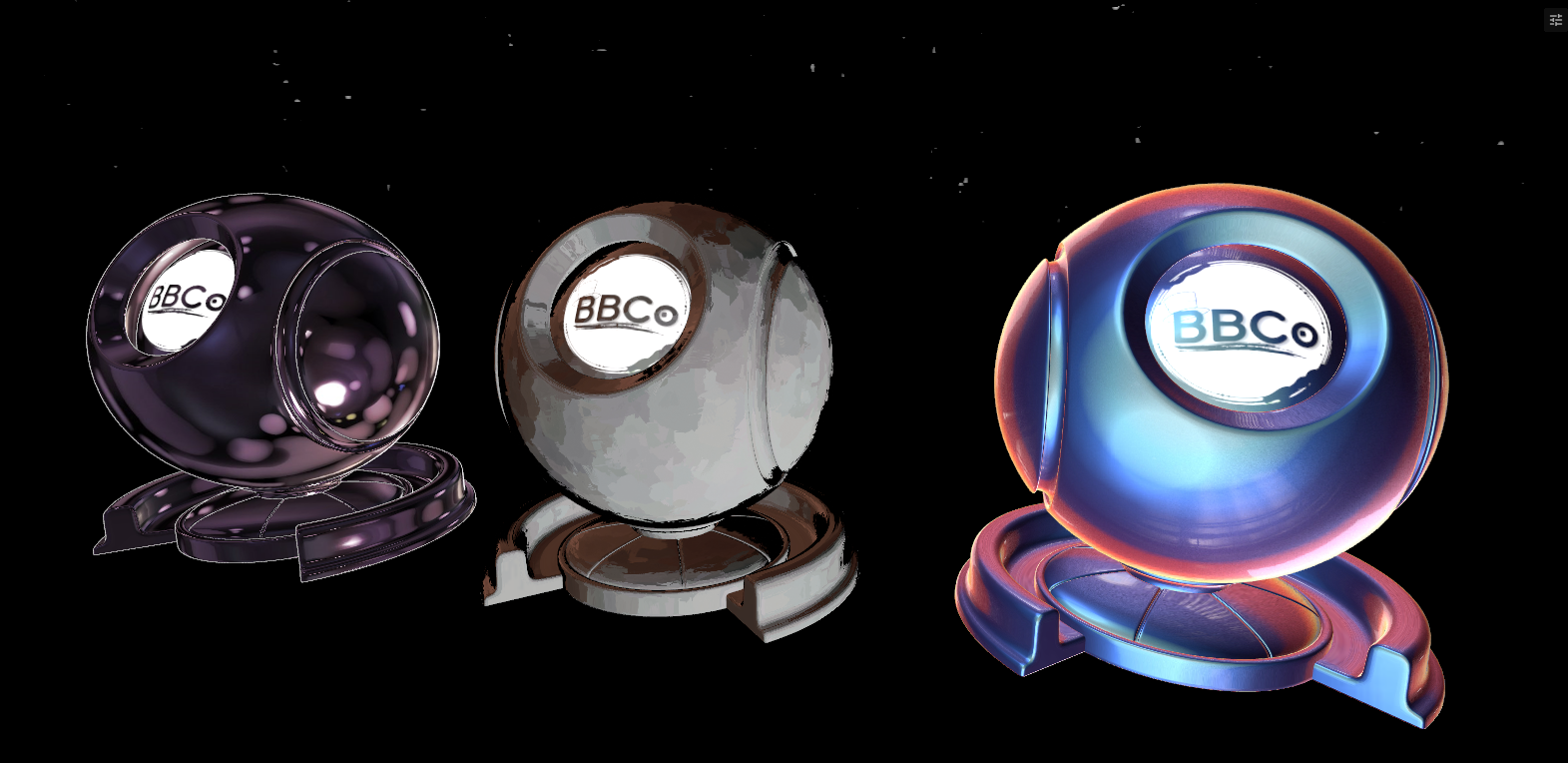
It was invented to fake complex lighting and materials instantly, saving massive amounts of computer processing power. but, it's still useful for this day for adding a complex lighting without having to deal with complex systems.
In our shader, Matcaps assets are included with the shader. Most of the matcaps from Poiyomi shader's given assets.
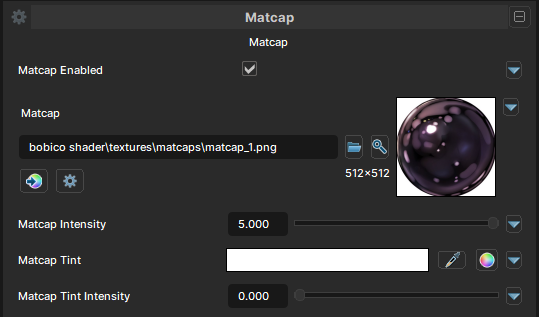
2nd Matcap is also available if Enable Extra Layers is enabled in the sidebar.
Matcaps
Matcap Enabled
- UI Type : Toggle
Enables Matcap feature. Allowing you to use Matcaps for adding fake complex lighting.
Matcap
- UI Type :
 Color Texture
- Output format :
BC7 [RGBA]
- Output format :
Defines a Matcap texture to use. The texture must be a Matcap (Sphere Texture). UV Settings and Color adjustments are available to use if needed.
Matcap Intensity
- UI Type : Slider
Float- Range :
0.0 - 5.0
- Range :
Controls the Matcap intensity. Allows you to go over 1.0 for making matcaps brighter.
Matcap Tint
- UI Type : Color
Tints the Matcap to a specified color.
Matcap Tint Intensity
- UI Type : Slider
Float- Range :
0.0 - 1.0
- Range :
Controls the intensity of Matcap Tint.
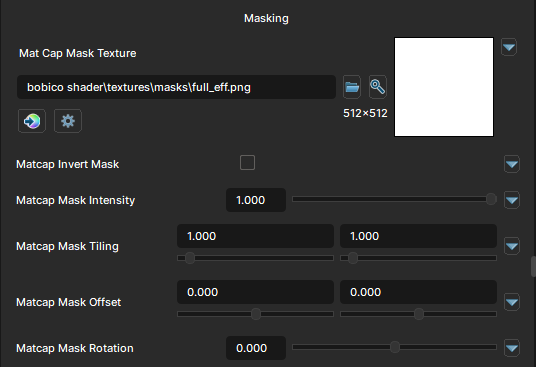
Matcap Masking
Matcap Mask
- UI Type : Mask Texture
- Output format :
AIT1N [R]
- Output format :
Defines a Matcap Mask for masking matcaps. You can make Matcap only show up in some areas of the material. UV Settings and Invert Mask settings are available to use if needed.
Matcap Mask Intensity
- UI Type : Slider
Float- Range :
0.0 - 1.0
- Range :
Controls the intensity of Matcap Mask.
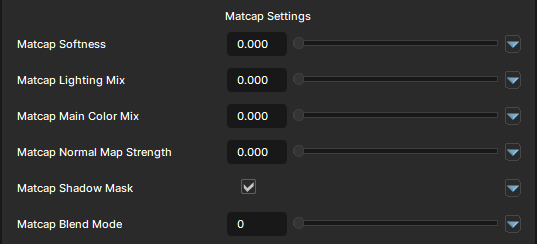
Matcap Settings
Matcap Softness
- UI Type : Slider
Float- Range :
0.0 - 1.0
- Range :
Softens the Matcap. Making it more softer and blurry.
Matcap Lighting Mix
- UI Type : Slider
Float- Range :
0.0 - 1.0
- Range :
Controls the Lighting Adaption of Matcaps. A value of 0 will make it stay glow in dark areas while 1 will make it adapt to the lighting gently.
Matcap Main Color Mix
- UI Type : Slider
Float- Range :
0.0 - 1.0
- Range :
Multiplies the Matcap with the Main Color.
Matcap Normal Map Strength
- UI Type : Slider
Float- Range :
0.0 - 1.0
- Range :
Controls the Normal Adaption of Matcaps. It blends the effects with your material's normals.
Matcap Shadow Mask
- UI Type : Toggle
Hides the Matcap in shadow shaded areas.
Matcap Blend Mode
- UI Type : Slider
Int- Range :
0 - 7
- Range :
Controls the blending mode of Matcap to blend with the Main Color. See Blend Modes.