Glitters
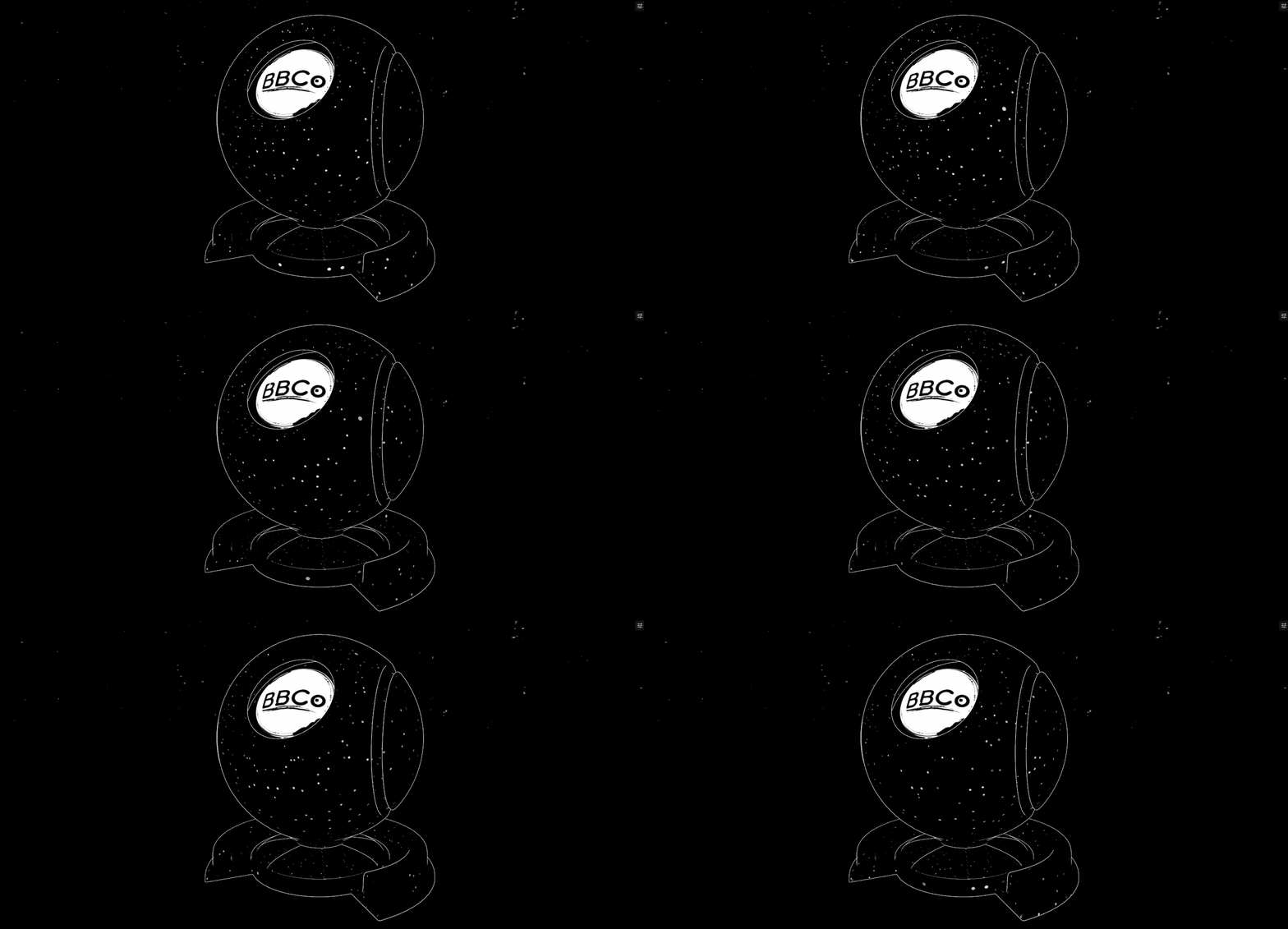
Glitter section is for adding stylized glitters and sparkles to the material. This feature can be used to add glitters and sparkles to objects such as Gem and many gliitery objects. Custom glitters are also supported which means you can your own glitter. Or, use the built-in ones for fast usage.
Glitter
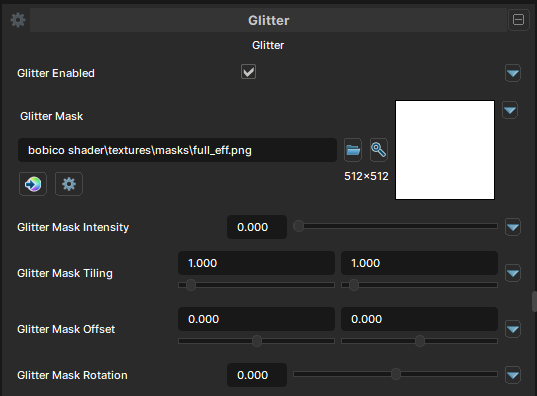
Glitter Enabled
- UI Type : Toggle
Enables Glitter feature. Allowing you to add stylized glitters and sparkles to your material.
Glitter Mask
- UI Type :
 Mask Texture
 - Output format :
AIT1N [R]
Defines a Glitter Mask for masking glitters. You can make Glitters only show up in some areas of the material. UV Settings are available to use if needed.
Shape Settings
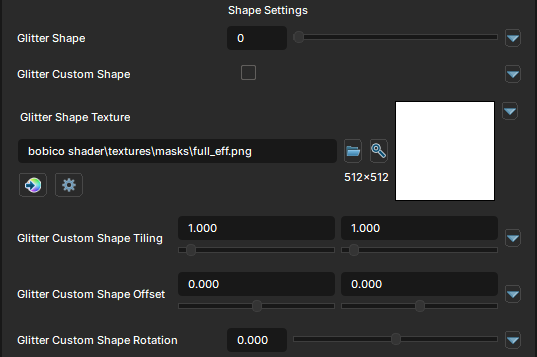
Glitter Shape
- UI Type : Slider
Int- Range :
0 - 3
- Range :
Selects the shape for glitters from built-in shapes.
Currently, Circle, Square, Star and Triangle shapes are available.
Glitter Custom Shape
- UI Type : Toggle
Enables the usage of Custom Glitter texture.
Glitter Shape Texture
- UI Type : Color Texture
- Output format :
BC7 [RGBA]
- Output format :
Defines a custom Glitter shape texture to use as glitters' shape. UV Settings are available to use if needed.
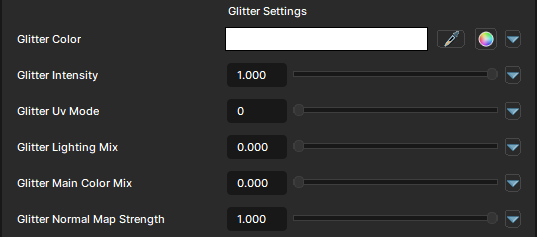
Glitter Settings
Glitter Color
- UI Type : Color
Tints the Glitter with a specified color. Color adjustments are also available to use if needed.
Glitter Intensity
- UI Type : Slider
Float- Range :
0.0 - 1.0
- Range :
Controls the intensity of Glitters.
Glitter UV Mode
- UI Type : Slider
Int- Range :
0 - 1
- Range :
Selects which UV channel should be used for Glitters. UV0 and UV1 is available to use.
Glitter Lighting Mix
- UI Type : Slider
Float- Range :
0.0 - 1.0
- Range :
Controls the Lighting Adaption of Glitters. A value of 0 will make it stay glow in dark areas while 1 will make it adapt to the lighting gently.
Glitter Main Color Mix
- UI Type : Slider
Float- Range :
0.0 - 1.0
- Range :
Multiplies the Glitters's color with the Main Color.
Glitter Normal Map Strength
- UI Type : Slider
Float- Range :
0.0 - 1.0
- Range :
Controls the Normal Adaption of Glitters. It blends the effects with your material's normals.
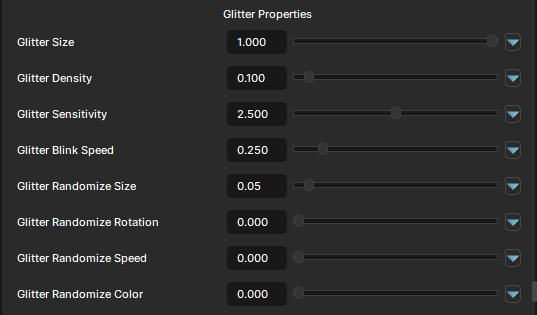
Glitter properties
Glitter Size
- UI Type : Slider
Float- Range :
0.01 - 1.0
- Range :
Controls the size of the Glitters.
Glitter Density
- UI Type : Slider
Float- Range :
0.0 - 1.0
- Range :
Controls the density of the Glitters. More values will make more glitters.
Glitter Sensitivity
- UI Type : Slider
Float- Range :
0.0 - 5.0
- Range :
Controls how easily the Glitters blinks depending on the angle. This feature may appear weird. So, it's recommended to leave it as it is if you don't understand how it works.
Glitter Blink Speed
- UI Type : Slider
Float- Range :
0.0 - 2.0
- Range :
Controls the blink speed of the Glitters.
Glitter Randomize Size
- UI Type : Slider
Float- Range :
0.0 - 1.0
- Range :
Randomizes the size of the Glitters.
Glitter Randomize Rotation
- UI Type : Slider
Float- Range :
0.0 - 1.0
- Range :
Randomizes the rotation of the Glitters.
Glitter Randomize Speed
- UI Type : Slider
Float- Range :
0.0 - 1.0
- Range :
Randomizes the blink speed of the Glitters.
Glitter Randomize Color
- UI Type : Slider
Float- Range :
0.0 - 1.0
- Range :
Randomizes the color of the Glitters.