Cubemap
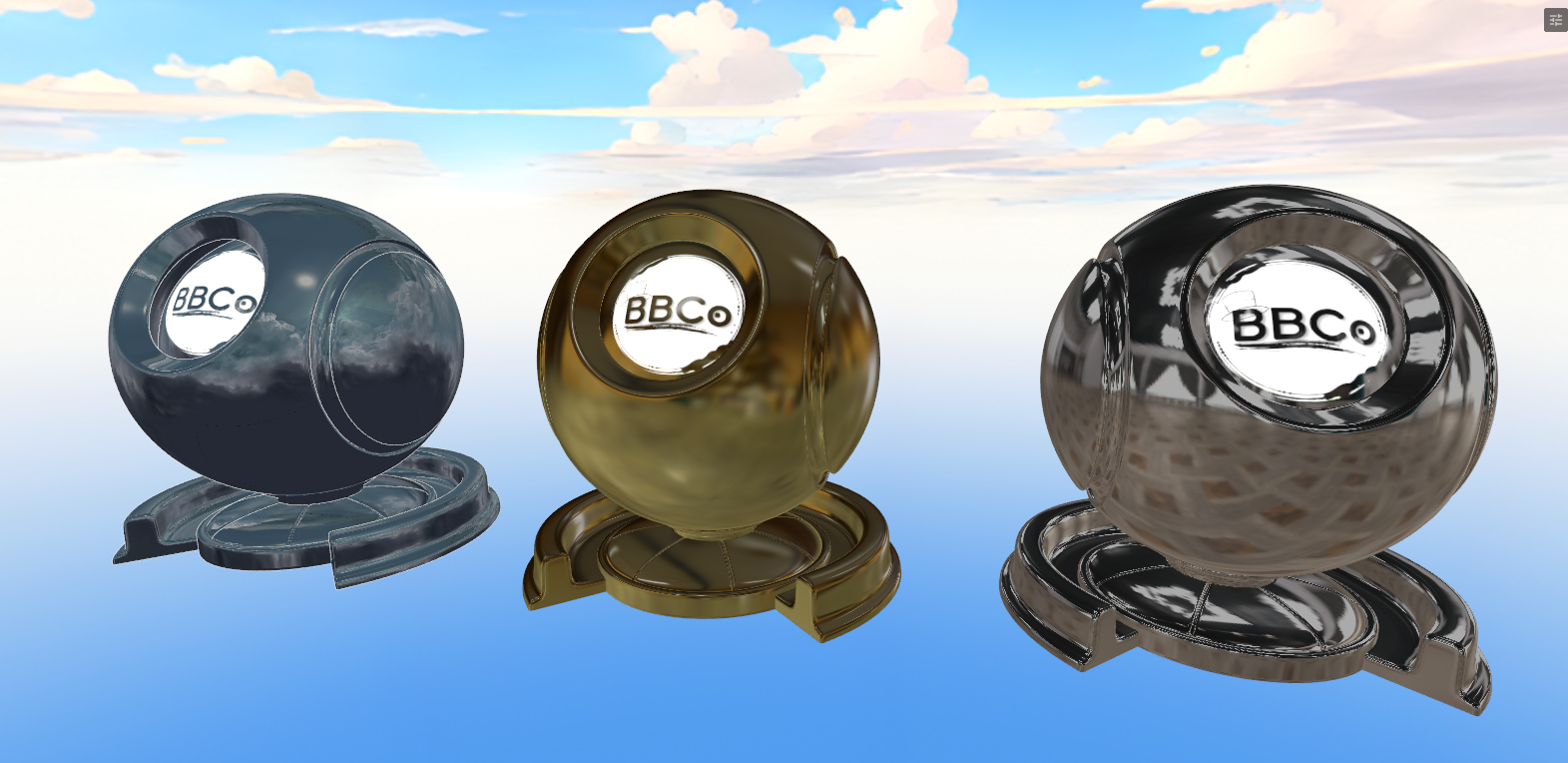
Cubemap reflections can be similar to using Cubemap. A Cubemap can be used for adding reflections and fancy glossy effects. You can also use the Cubemap in this section as a fallback for Physically-Based Rendering's cubemap reflections when there's no reflections nearby.
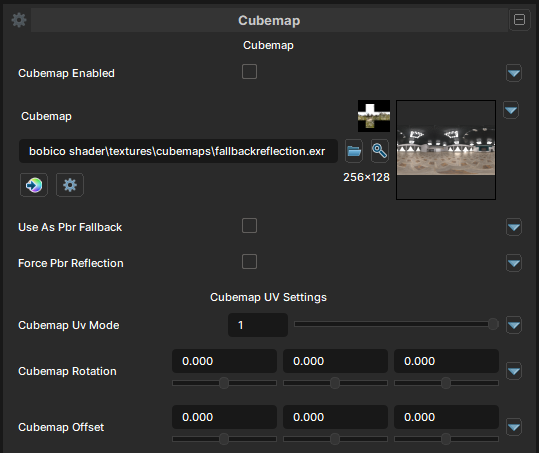
Cubemap Texture
Cubemap Enabled
- UI Type : Toggle
Enables Cubemap feature. Allowing you to use a custom cubemap to map on the material for making reflective surfaces.
Cubemap
- UI Type :
 Cube Texture
 - Output format :
BC7 [RGBA]
Defines a Cubemap texture. The texture must be panoramic textures, or 6 cube faces texture. Otherwise, it'll not work correctly and cause errors. Rotation and Offset are available to adjust if needed. They're mapped as XYZ values.
Use As PBR Fallback
- UI Type : Toggle
Use the defined Cubemap as a PBR reflection fallback when there are no reflections nearby. It can be used to maintain the material's look in environment without reflections.
Force PBR Reflection
- UI Type : Toggle
Forces the Cubemap texture as reflection of PBR reflections. When enabled, It'll use the cubemap texture everywhere for PBR reflections.
Cubemap UV Mode
- UI Type : Slider
Int- Range :
0 - 1
- Range :
Selects which projection mode should be used for Cubemaps. Skybox and Cubemap are available.
| Number | Mode | Information |
|---|---|---|
| 0 | Skybox | Similiar to Panosphere projection. It'll map the cubemap based on the view direction. |
| 1 | Cubemap | Default UV Mode. It maps the cubemap based on the reflection vectors which is how cubemap reflections works. |
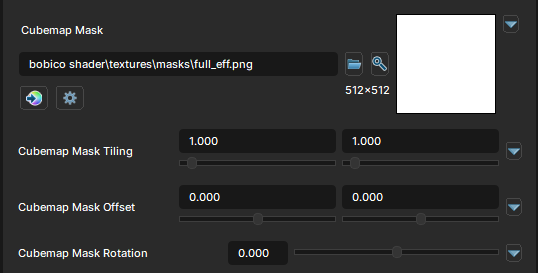
Cubemap Masking
Cubemap Mask
- UI Type : Mask Texture
- Output format :
AIT1N [R]
Defines a Cubemap Mask for masking. You can make cubemap reflections only show up in some areas of the material. Such as metal area of the material. UV Settings are available to use if needed.
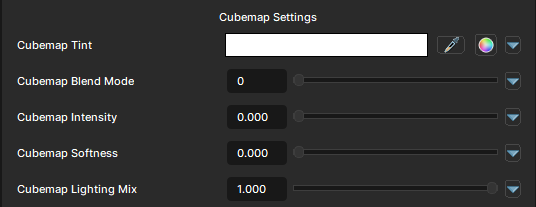
Cubemap Settings
Cubemap Tint
- UI Type : Color
Tints the Cubemap reflections.
Cubemap Blend Mode
- UI Type : Slider
Int- Range :
1 - 2
- Range :
Controls the blending mode of Cubemap to blend with the Main Color.
Replace and Multiply mode are available for blending.
Cubemap Intensity
- UI Type : Slider
Float- Range :
0.0 - 5.0
- Range :
Controls the intensity of Cubemap. A value of 1.0 is generally enough. More than 1.0 will make the cubemap brighter.
Cubemap Softness
- UI Type : Slider
Float- Range :
0.0 - 1.0
- Range :
Softens the Cubemap reflection. Causing the reflections to be blurry and softer.
Cubemap Lighting Mix
- UI Type : Slider
Float- Range :
0.0 - 1.0
- Range :
Controls the Lighting Adaption of Cubemap reflections. A value of 0 will make it stay glow in dark areas while 1 will make it adapt to the lighting gently.